Readability Checker
Measure readability score, grade level, and high-friction lines before editing.
Open toolTool-First Readability Platform
Check readability score, simplify complex text, convert writing to plain English, and adapt content to the right reading level.
Analyze your text structure and readability score.
Rewrite hard text into a clearer version.
The implementation of this solution was facilitated by a robust operational framework that can be difficult for stakeholders to utilize quickly.
Readability score: 47.2 (Hard) · Grade: 11
Rewritten: This solution uses a strong process, but stakeholders may find it hard to use quickly.
Measure readability score, grade level, and high-friction lines before editing.
Open toolRewrite dense writing into clearer English while preserving required meaning.
Open toolRemove jargon, legalistic wording, and vague phrases from customer-facing text.
Open toolAdapt text for Grade or CEFR targets such as Grade 8, B1, and B2.
Open toolStart with diagnostics when unsure, then move to the tool that matches your specific writing friction.
Use it first when you need diagnostics and score context.
You get issue priorities and a clear rewrite direction.
Open toolUse it when text is accurate but too hard to scan.
You get a simpler version that keeps core meaning intact.
Open toolUse it when wording is formal, vague, or full of jargon.
You get phrase replacements and plain-language alternatives.
Open toolUse it when content must match a target audience level.
You get output aligned to Grade or CEFR requirements.
Open toolUse it for line-level polish in otherwise good copy.
You get clearer, shorter, or more direct variants.
Open toolSEO teams
Content marketers
Documentation teams
Legal / policy writers
UX writers
ESL / education
| Need score | Readability Checker |
| Need simpler text | Text Simplifier |
| Need jargon cleanup | Plain English Checker |
| Need target audience level | Reading Level Converter |
Start with score diagnostics to find high-friction paragraphs, simplify dense transitions, then polish CTA lines. This workflow keeps search intent clear while improving readability for mixed audiences.
Start with Readability Checker -> then use Text Simplifier -> finish with Sentence Rewriter
Open workflowIdentify hard instructions first, simplify procedure wording, then adjust reading level where completion speed matters. This sequence reduces support friction and improves action clarity under pressure.
Start with Readability Checker -> then use Text Simplifier -> finish with Reading Level Converter
Open workflowDetect legalistic language, simplify surrounding structure, then recheck clarity without dropping obligations. It keeps enforceable meaning while improving comprehension for non-legal readers.
Start with Plain English Checker -> then use Text Simplifier -> finish with Readability Checker
Open workflow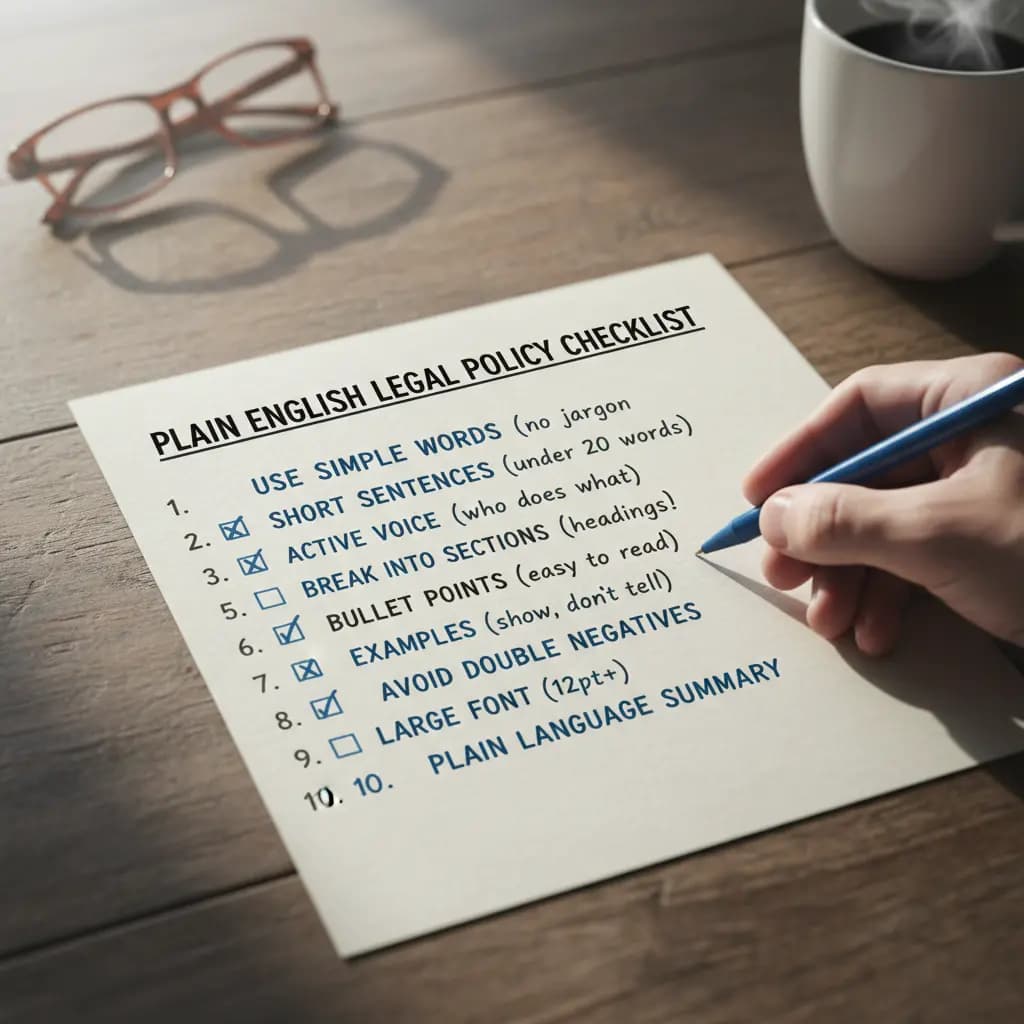
Start with readability checker or text simplifier, then learn the framework in what is readability. For tool decisions, use best readability tools. For practical workflows, open simplify legal text and improve blog readability.
A readability checker scores how hard text is to process and highlights specific structure issues that reduce comprehension speed.
A good score depends on audience and page type. General web content often performs better in easier ranges.
Readability focuses on text difficulty and structure. Plain English focuses on direct wording and removing jargon or legalistic phrases.
Start with Readability Checker for diagnostics, then move to Simplifier, Plain English, or Reading Level based on issues.
Yes. You can simplify structure and wording while preserving required terms, constraints, and factual meaning.
Yes. Use Reading Level Converter and Sentence Rewriter to adapt difficulty and improve line-level clarity.
Yes. eReadable is designed for support instructions, onboarding guides, and operational documentation workflows.
Yes. These are primary use cases, especially when teams need repeatable clarity standards across many pages.
Yes. It combines formula-based diagnostics with AI-assisted rewrites for practical editing workflows.
Yes. Core tools are free to start and suitable for regular content editing workflows.